
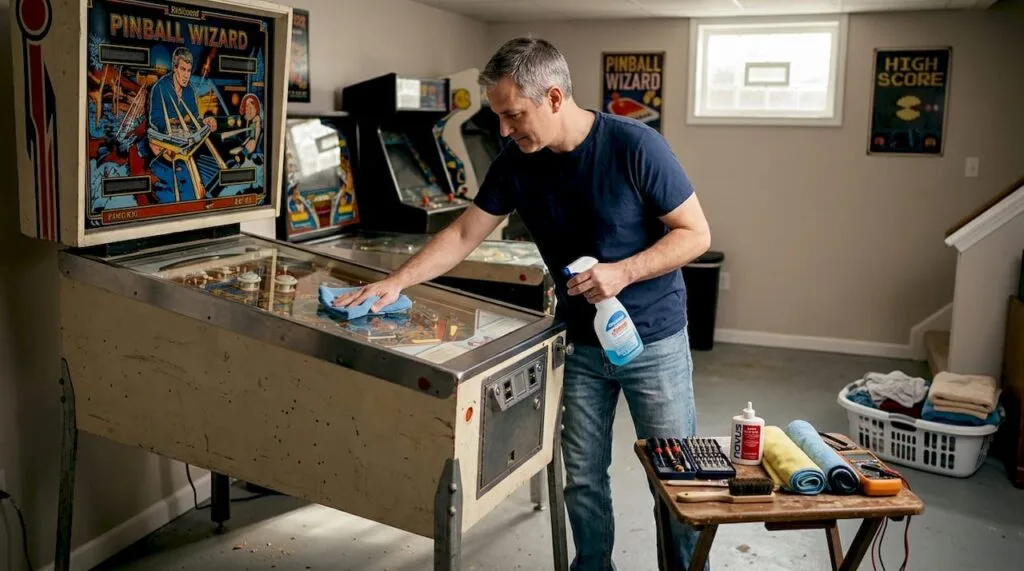
A pinball machine that skips, stutters, or loses its snap mid-game is not just frustrating—it’s a sign that your investment is quietly deteriorating. Worn playfields, sticky flippers, and burned-out bulbs rarely appear overnight; they build up through weeks of overlooked upkeep. The good news is that a structured maintenance routine can restore peak performance, extend the life of your machine by years, and protect its resale value. Whether you own a classic Addams Family or a modern Ghostbusters, this checklist walks you through every essential step, from gathering the right supplies to scheduling recurring care that keeps your machine playing like new.
Table of Contents
- What you need before starting: Tools and supplies checklist
- Step-by-step pinball maintenance checklist
- Troubleshooting and fixing common pinball issues
- How to keep your maintenance schedule on track
- Why most pinball owners overlook crucial upkeep—and how you can do better
- Ready for peak performance or an upgrade?
- Frequently asked questions
Key Takeaways
| Point | Details |
|---|---|
| Proper tools matter | Start with the right cloths, cleaners, and wax to avoid damaging your machine. |
| Follow a set checklist | A regular step-by-step routine keeps gameplay smooth and reliable. |
| Track your maintenance | Set reminders and record tasks to ensure nothing important slips through the cracks. |
| Troubleshoot ASAP | Addressing common pinball problems early prevents major repairs later. |
| Maintenance preserves value | Consistent care protects both play quality and your investment in the machine. |
What you need before starting: Tools and supplies checklist
Before you touch a single screw or wipe a single surface, having the right supplies on hand makes the difference between a thorough job and one that causes more damage than it fixes. Proper cleaning requires specific supplies for playfield preservation, and using the wrong products—especially water or ammonia-based cleaners—can permanently cloud your playfield’s clearcoat. Knowing your pinball machine parts before you start also helps you identify what needs attention and what to leave alone.
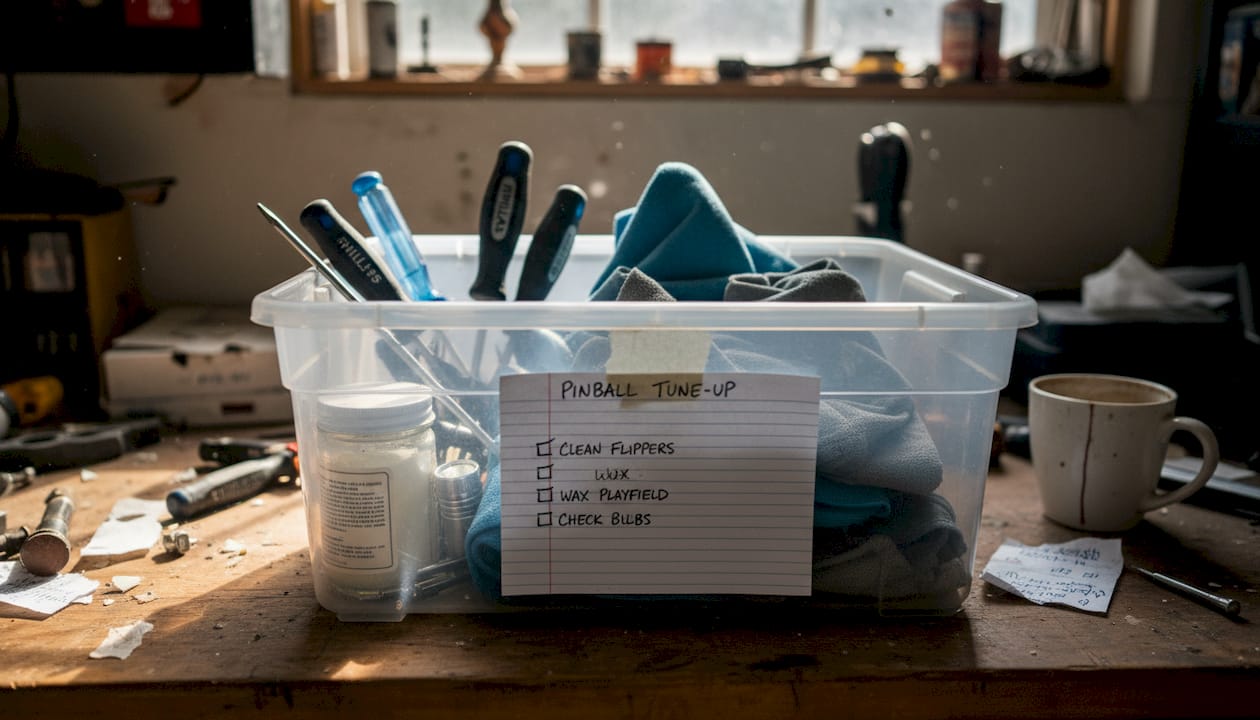
Here’s a quick reference table for your maintenance kit:
| Item | Purpose |
|---|---|
| Microfiber cloths | Gentle surface wiping without scratching |
| NOVUS 1 plastic cleaner | Safe, non-abrasive playfield cleaner |
| Carnauba wax | Protective shine layer for the playfield |
| Phillips and flathead screwdrivers | Tightening hardware and accessing components |
| Replacement LED bulbs | Swapping out dim or burned-out lights |
| Rubber ring kit | Replacing worn bumper and flipper rings |
| Isopropyl alcohol (90%+) | Cleaning switch contacts and metal parts |
| Nitrile gloves and eye protection | Personal safety during cleaning |
A few important notes on product selection:
- Never use water directly on the playfield. Even a small amount can seep under inserts and warp the wood beneath.
- Avoid silicone sprays on flippers or rubbers—they attract dust and degrade rubber faster.
- NOVUS 1 is widely trusted among collectors for its gentle formula that cleans without stripping the clearcoat.
- Carnauba-based wax (not furniture polish) provides a protective barrier that keeps the ball rolling smoothly.
Pro Tip: Build a dedicated maintenance kit in a labeled storage bin and keep it near your machine. When everything is within arm’s reach, you’re far more likely to follow through on routine care instead of putting it off.
Step-by-step pinball maintenance checklist
With your supplies ready, it’s time to move through the definitive pinball maintenance process. Consistency is everything here—maintenance every 5,000 games or on a regular calendar interval keeps problems from compounding into costly repairs.
- Power down and unplug the machine. Always start with the machine fully off. This protects both you and the electronics.
- Remove the playfield glass. Set it aside on a soft surface to avoid scratches, then inspect the playfield for visible dirt, ball tracks, or worn areas.
- Wipe the playfield. Use a microfiber cloth lightly dampened with NOVUS 1. Wipe with microfiber and mild cleaner, working in small sections and buffing dry immediately.
- Apply carnauba wax. Once the playfield is clean and dry, apply a thin, even coat of carnauba wax, let it haze, and buff it out with a fresh microfiber cloth.
- Inspect and replace rubber rings. Check all bumper rings, flipper rubbers, and lane guides. Cracked or flat rings reduce rebound energy noticeably.
- Check and replace bulbs. Dim or flickering lights often signal a failing bulb. Swap to LED replacements for longer life and lower heat output.
- Clean and inspect flippers. Wipe flipper bats clean, check the coil sleeves for wear, and tighten any loose flipper hardware.
- Inspect switches and contacts. Use isopropyl alcohol on a cotton swab to clean tarnished switch contacts, which are a common cause of unresponsive targets.
- Check the ball. A pitted or magnetized ball drags across the playfield and causes premature wear. Replace it if it shows visible damage.
- Reinstall the glass and test play. Run a few games to confirm everything responds correctly before calling the session complete.
For a broader view of how your machine compares, exploring the latest machine models can also help you benchmark what peak performance looks and feels like. If issues persist after cleaning, consult pinball troubleshooting steps for targeted fixes.
| Condition | Neglected machine | Properly maintained machine |
|---|---|---|
| Playfield surface | Ball tracks, cloudiness | Smooth, waxed, vibrant |
| Flippers | Weak, slow response | Crisp, powerful snap |
| Lighting | Dim, flickering inserts | Bright, consistent LEDs |
| Resale value | Significantly reduced | Retained or increased |
Pro Tip: Set a recurring calendar reminder every three months for light maintenance and once a year for a full deep clean. Treating it like a scheduled appointment removes the temptation to skip it.
Troubleshooting and fixing common pinball issues
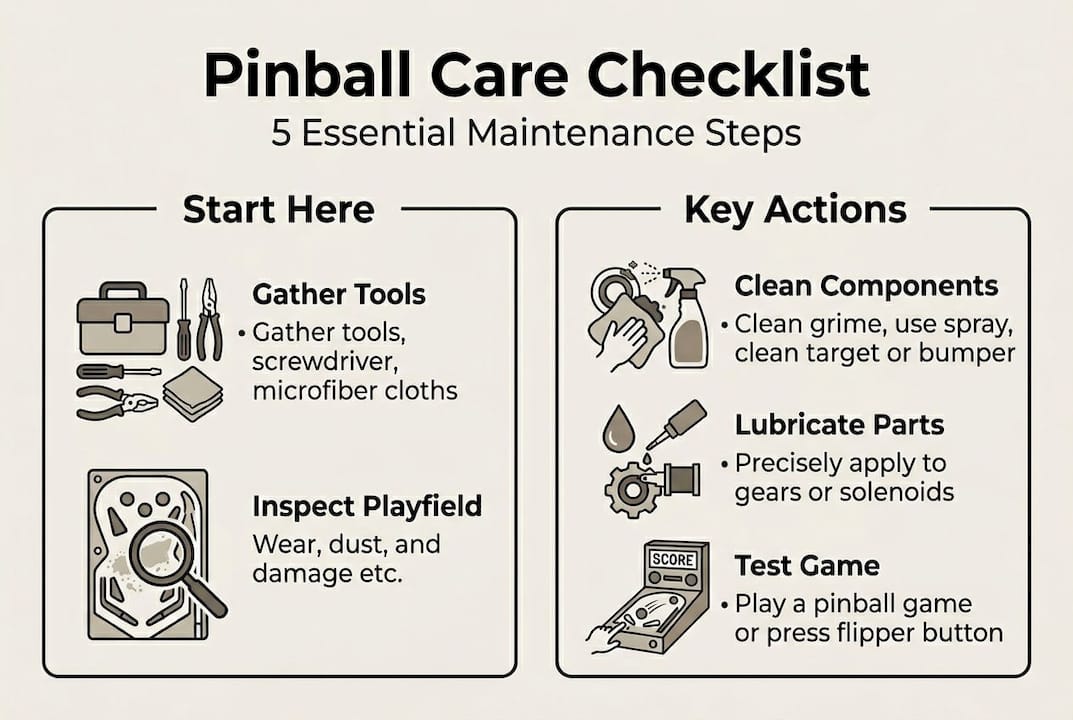
After regular maintenance, you may still encounter issues that require some targeted troubleshooting. Many common problems are direct signals that a specific maintenance step was missed or delayed.
Here are the most frequent issues and their quick fixes:
- Weak or unresponsive flippers: Usually caused by worn coil sleeves or a loose end-of-stroke switch. Inspect the flipper mechanism and replace the sleeve if it shows flattening.
- Stuck or trapped ball: Often the result of a bent wire guide or a worn rubber ring that no longer redirects the ball properly. Straighten guides carefully and replace rings.
- Dim or dead lights: A burned-out bulb is the obvious cause, but corroded socket contacts are equally common. Clean contacts with isopropyl alcohol before replacing the bulb.
- Unresponsive pop bumpers: Dirty or bent bumper switches are the usual culprit. Clean the switch contacts and adjust the switch gap if needed.
- Erratic scoring or missed targets: Tarnished switch contacts under targets cause inconsistent registration. A careful cleaning with isopropyl alcohol typically resolves this.
Expert warning: Neglecting parts like the playfield can lead to major issues that go far beyond cosmetic wear—including damaged inserts, warped wood, and failed electronics that require professional-level repair.
For a structured approach to diagnosing deeper problems, detailed troubleshooting resources can walk you through electrical and mechanical diagnostics step by step. If you ever need to relocate your machine for servicing, reviewing safe moving practices will protect both the machine and you during transport.
Know when to call a professional. If you see burned or melted wiring, hear unusual electronic sounds, or notice that a fuse keeps blowing repeatedly, those are signs that DIY fixes could cause more harm. A qualified arcade technician is worth every dollar in those situations.
How to keep your maintenance schedule on track
Regular fixes only help if you maintain consistency over months and years. A single deep clean followed by six months of neglect will always leave your machine in worse shape than a modest but steady routine.
Here’s a tiered schedule that keeps everything organized:
- Monthly: Wipe down the playfield glass, check for any visible ball damage, and confirm all lights are functioning. This takes under 15 minutes and catches small issues early.
- Quarterly: Full playfield wipe and wax, rubber ring inspection, flipper check, and switch contact cleaning. Budget about an hour for this session.
- Annually: Complete disassembly of the playfield for deep cleaning, full bulb audit, coil sleeve replacement, and a thorough inspection of all wiring and connectors.
Useful tools and apps for tracking your maintenance:
- Google Calendar or Apple Calendar: Set repeating reminders with notes on what each session covers.
- Pinside community logs: Many collectors document their maintenance history publicly, which is useful for spotting patterns in specific machine models.
- A physical maintenance logbook: A simple notebook kept near the machine works remarkably well for recording dates, parts replaced, and observations.
- Spreadsheet trackers: A basic Google Sheets file with columns for date, task, and parts used gives you a clear history at a glance.
Staying consistent with your schedule also has a direct financial benefit. Understanding pinball ownership costs shows how preventive care dramatically reduces long-term repair expenses. Equally important, managing your pinball warranty often requires documented maintenance history, so keeping records protects your coverage as well.
Why most pinball owners overlook crucial upkeep—and how you can do better
Here’s a truth that even passionate collectors rarely admit: enthusiasm for playing a machine and discipline for maintaining it are two very different things. Most owners start strong, then gradually let the routine slip as the novelty of a new machine settles into daily life.
The counterintuitive reality is that quick surface wipe-downs often create a false sense of security. The playfield looks clean, so owners assume everything is fine—while switch contacts corrode, rubber rings flatten, and coil sleeves quietly wear down beneath the surface. Advanced collectors and arcade technicians will tell you that the machines they see in the worst condition are rarely the ones that were never cleaned. They’re the ones that received inconsistent, surface-level care.
The mentality shift that makes the biggest difference is treating maintenance as a performance upgrade rather than a chore. Every wax application makes the ball faster. Every rubber ring replacement restores rebound energy. Every cleaned switch contact sharpens responsiveness. When you understand that upkeep directly improves gameplay, the motivation to stay consistent becomes much stronger. Exploring must-have machine features can also sharpen your eye for what a well-maintained machine should feel like at its best.
Ready for peak performance or an upgrade?
Mastering your maintenance routine is one of the most rewarding things you can do as a pinball owner—and it opens the door to appreciating just how good a well-kept machine can feel.
At Premium Pinballs, we offer an exceptional selection of top-rated machines for 2025 and beyond, from iconic classics to the latest releases, all curated for collectors and enthusiasts who demand the best. If you’re considering expanding your collection or stepping into ownership for the first time, browse our refurbished and new pinball options to find a machine that matches your space, style, and budget. Our team is here to guide you every step of the way.
Frequently asked questions
How often should I clean my pinball playfield?
You should clean every 5,000 games or on a regular quarterly schedule, whichever comes first, to keep the surface protected and gameplay smooth.
Can I use regular glass cleaner on my pinball machine?
No—always use a microfiber cloth with NOVUS 1 or mild cleaner on the playfield, and never apply water or ammonia-based products, which can cloud the clearcoat and damage inserts.
What happens if I skip pinball maintenance?
Neglecting maintenance leads to sticky flippers, worn playfield surfaces, dim lighting, and eventually costly electrical or mechanical failures that far exceed the cost of routine care.
Which products are best for waxing the playfield?
Carnauba wax is the preferred choice among collectors for its protective qualities and smooth finish—avoid furniture polishes, silicone sprays, or any wax containing abrasives.